OfficeChat Messenger

Read our comprehensive review of OfficeChat Messenger, the Windows communication app designed to streamline internal company messaging and boost team productivity.
The Cost of Workplace Communication Silos
Modern office workers spend a staggering portion of their week simply wading through bloated email inboxes and searching for internal information across fragmented systems. When communication is scattered, productivity plummets and teams become disconnected. OfficeChat Messenger for business communication addresses this exact challenge by centralizing your company's messaging into a single, streamlined platform designed to keep in-office and field employees perfectly aligned.
What is OfficeChat Messenger?
Developed by MangoApps Inc, OfficeChat Messenger is a dedicated instant messaging and collaboration application built specifically for the Windows platform. Categorized under communication tools, it serves as an all-in-one hub that replaces disjointed communication channels with a secure, real-time messaging environment. Whether your team is stationed at headquarters or operating remotely in the field, this utility ensures everyone remains within immediate reach.
Key Features for Enhanced Collaboration
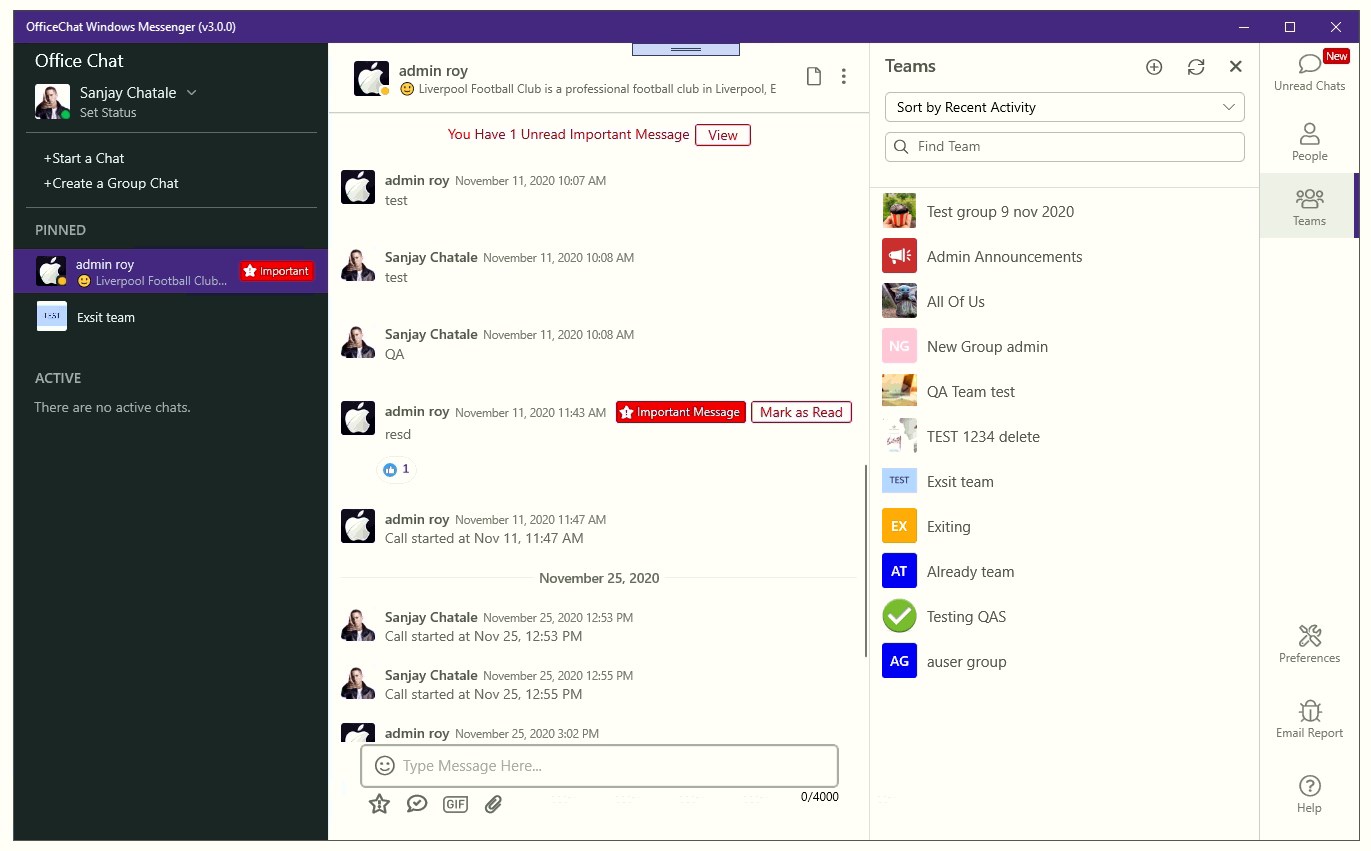
- Seamless Media Sharing: Instantly share critical files, videos, and text messages with colleagues without leaving the interface.
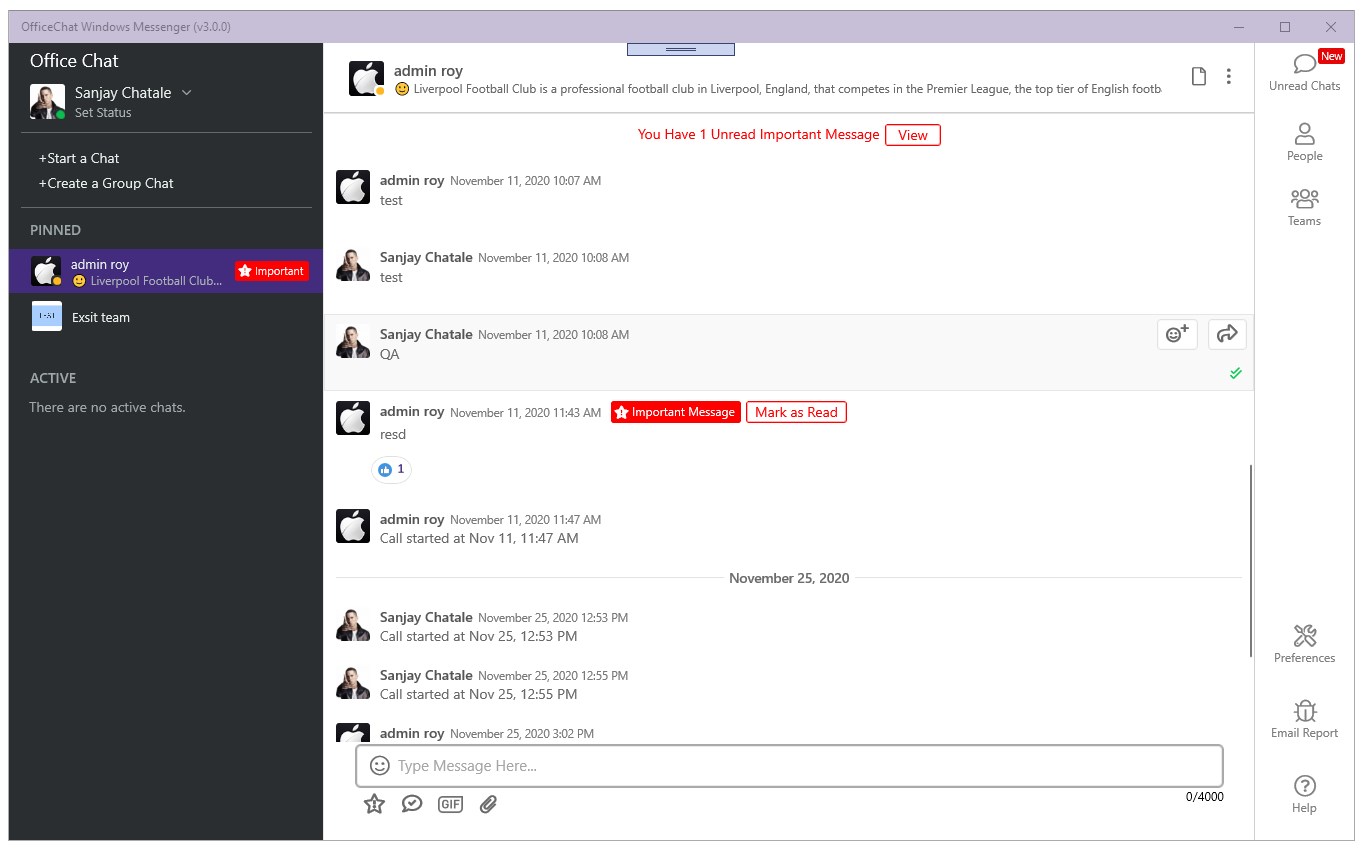
- Delivery and Read Receipts: Take the guesswork out of collaboration with clear indicators that show exactly when your messages are delivered and read.
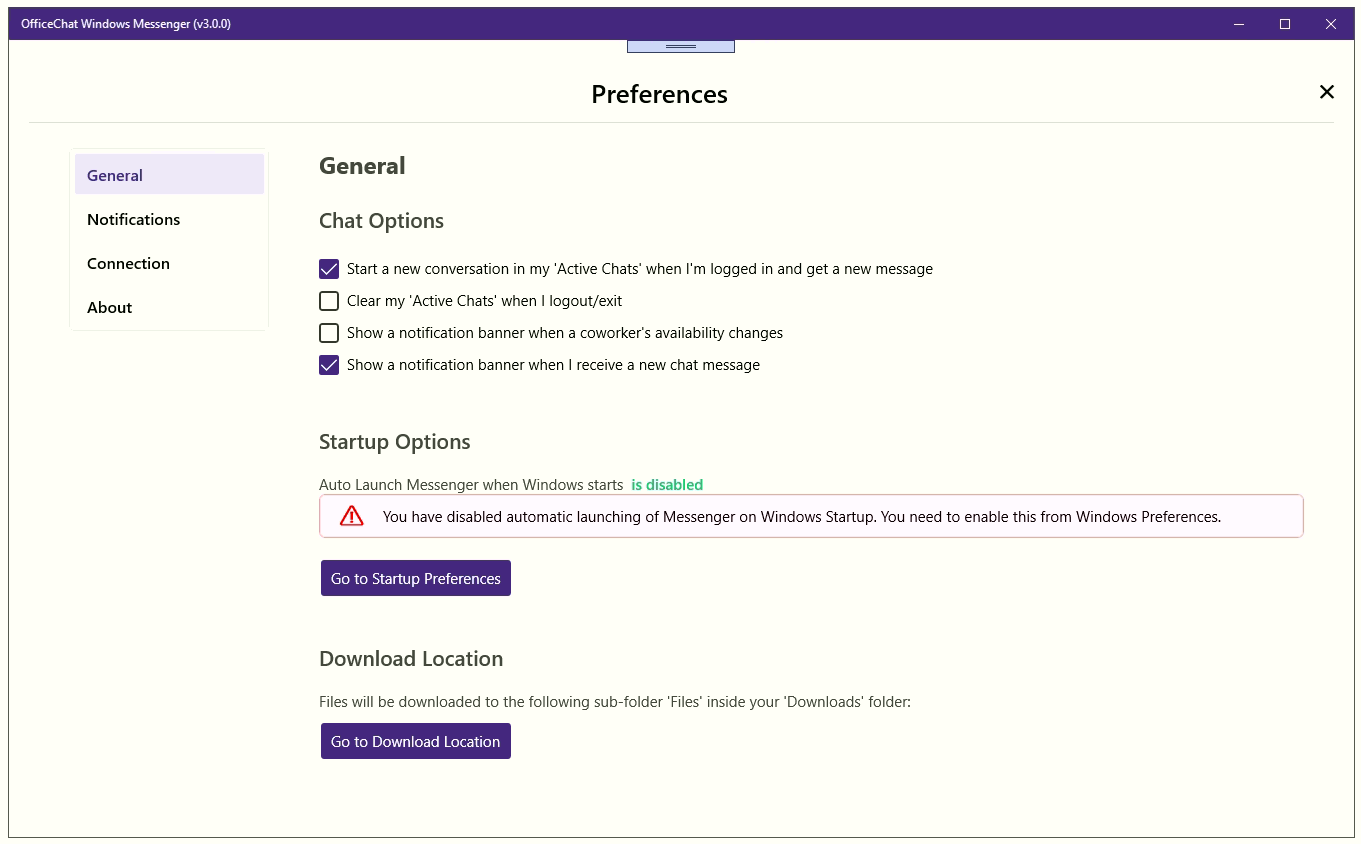
- Persistent Connectivity: Configure the app to log in automatically upon computer startup, and receive real-time pop-up notifications even when the application is minimized.
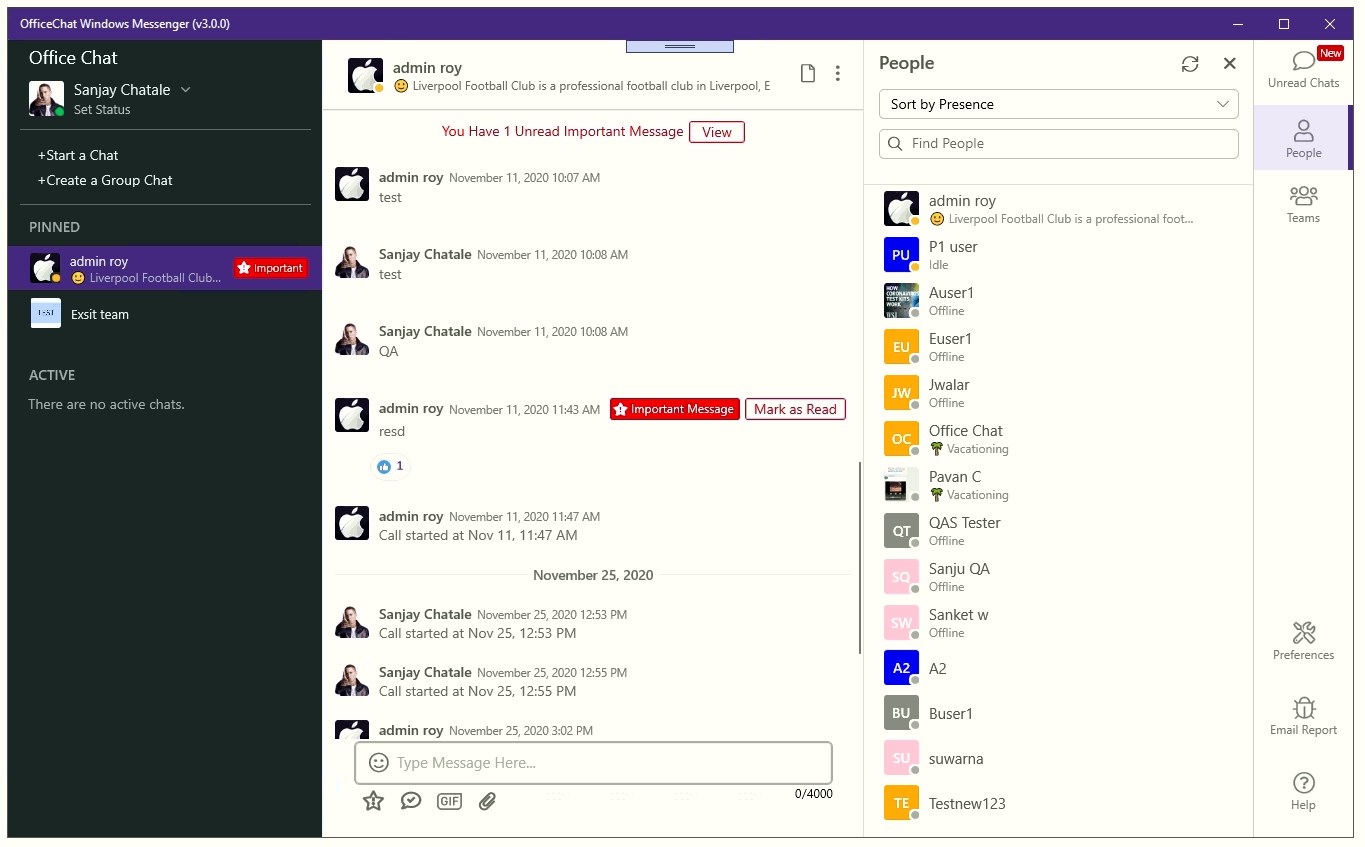
- Custom Status Updates: Keep your team informed of your availability or current focus with customizable status messages.
- Priority Messaging: Flag critical alerts as important to ensure they remain pinned at the top of the recipient's inbox until they are acknowledged.
- Expressive Communication: Lighten the workplace mood and foster team engagement with built-in emoji support.
Who Is This Desktop Messenger For?
This software is tailored specifically for organizations utilizing Windows 10 that need to transition away from slow email threads and chaotic chat setups. It is ideal for operations managers, remote coordinators, and internal communication teams who require a reliable, structured environment to keep staff synchronized. By bringing all internal dialogue under one roof, it helps reduce administrative friction and keeps workers focused on execution.
Getting Started
If your organization is ready to eliminate communication silos and improve daily workflow efficiency, this platform offers a robust, corporate-grade solution. To explore its capabilities and integrate it into your business workflow, visit the official Microsoft Store to acquire the application for your Windows devices.