

Mixgram Photo Collage Layout
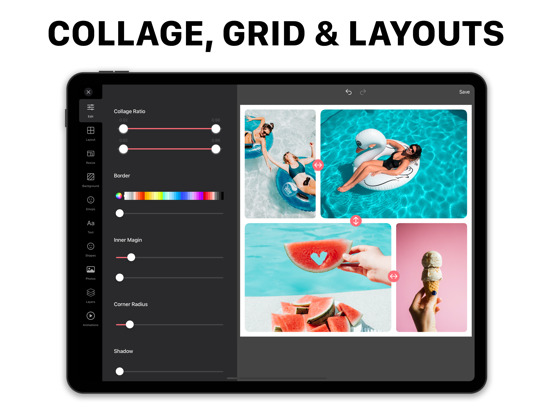
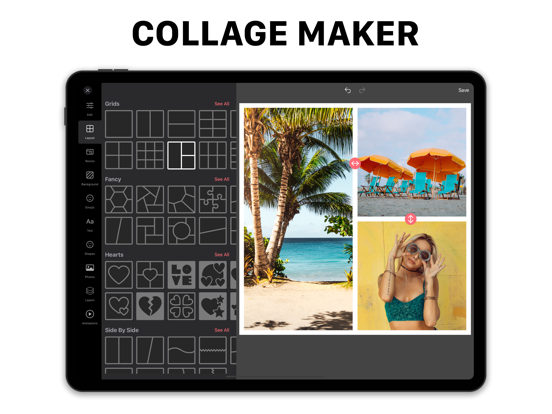
Read our comprehensive review of Mixgram Photo Collage Layout for Mac. Discover how this intuitive design tool helps you create stunning photo and video grids.
Why Layout Photo Collage - Mixgram Stands Out in Digital Design
While many design tools focus solely on static images, the Layout Photo Collage - Mixgram application for Mac bridges the gap by offering a fluid, multi-media canvas. This software allows creators to seamlessly blend high-resolution photos and dynamic videos into cohesive, visually striking grids. Whether you are looking to design a quick social graphic or construct a complex visual narrative, this utility provides a highly responsive environment tailored specifically for macOS users.
Key Features and Creative Capabilities
Developed by Lyam Apps fze, this application caters to both novice creators and seasoned professionals through an array of flexible tools:
- Dynamic Video & Photo Grids: Combine different media types within a single layout using responsive drag-and-drop mechanics.
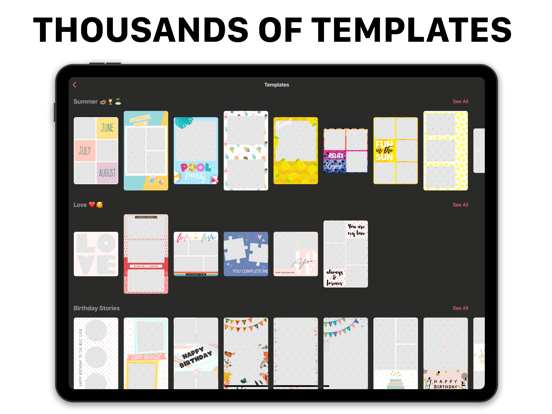
- Customizable Templates: Access a diverse selection of structural grids, minimalist layouts, and elegant story frameworks.
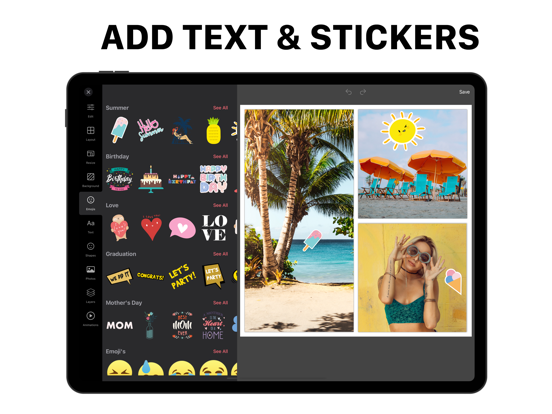
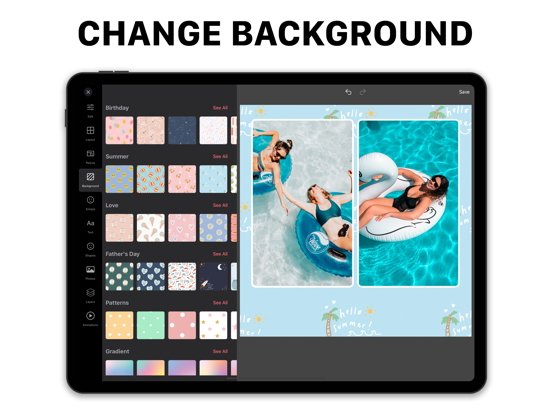
- Creative Asset Library: Personalize your projects with exclusive filters, unique fonts, and integrated graphic stickers.
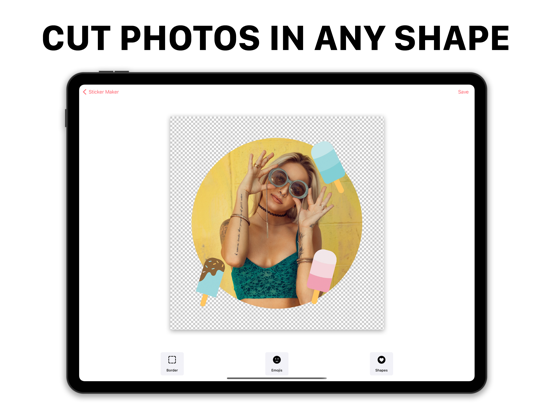
- Cutout Tool: Design custom elements and personalized stickers directly from your imported media.
Who Is This Mac Design Tool For?
The Layout Photo Collage - Mixgram environment is highly optimized for desktop productivity. Content creators who manage brand aesthetics, digital marketers building engaging stories, and casual users who want to organize memories will find the interface highly logical and efficient. The transition between editing photos, adjusting video frames, and applying typography feels natural on the macOS platform, making it a reliable choice for daily creative tasks.
Enhancing Your Workflow with Premium Features
While the core application offers an excellent foundation for standard collage creation, upgrading to the premium subscription unlocks a broader suite of assets. Premium users benefit from an ad-free workspace, the removal of default watermarks, and continuous updates to the template and font libraries, ensuring your designs always look contemporary and professional.
Final Verdict
If you need a dedicated, asset-rich design workspace on your Mac, the Layout Photo Collage - Mixgram application provides a powerful yet accessible solution. To explore its features, view user ratings, or start designing your next project, head over to the official Mac App Store to get started.