Pixelorama
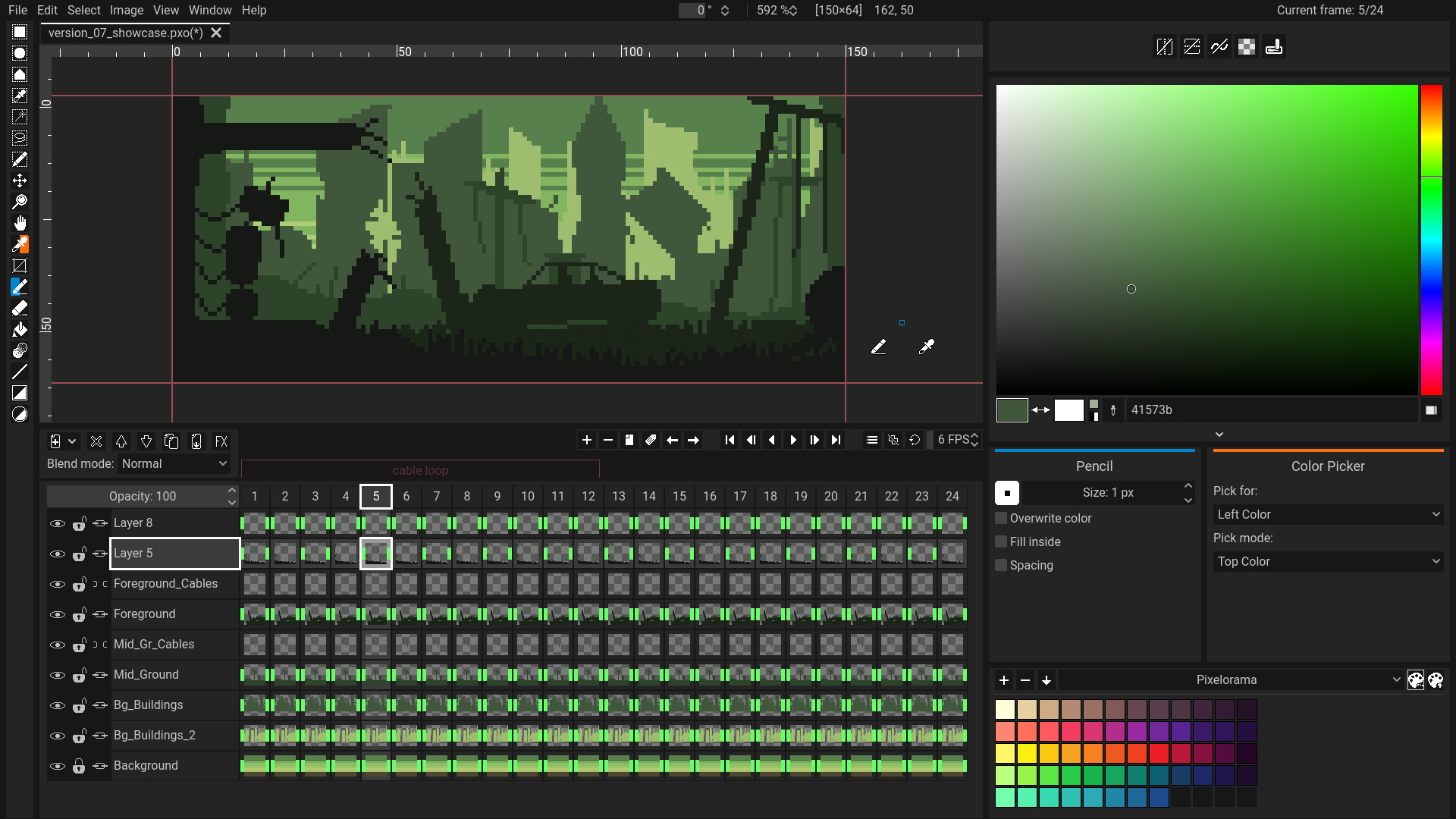
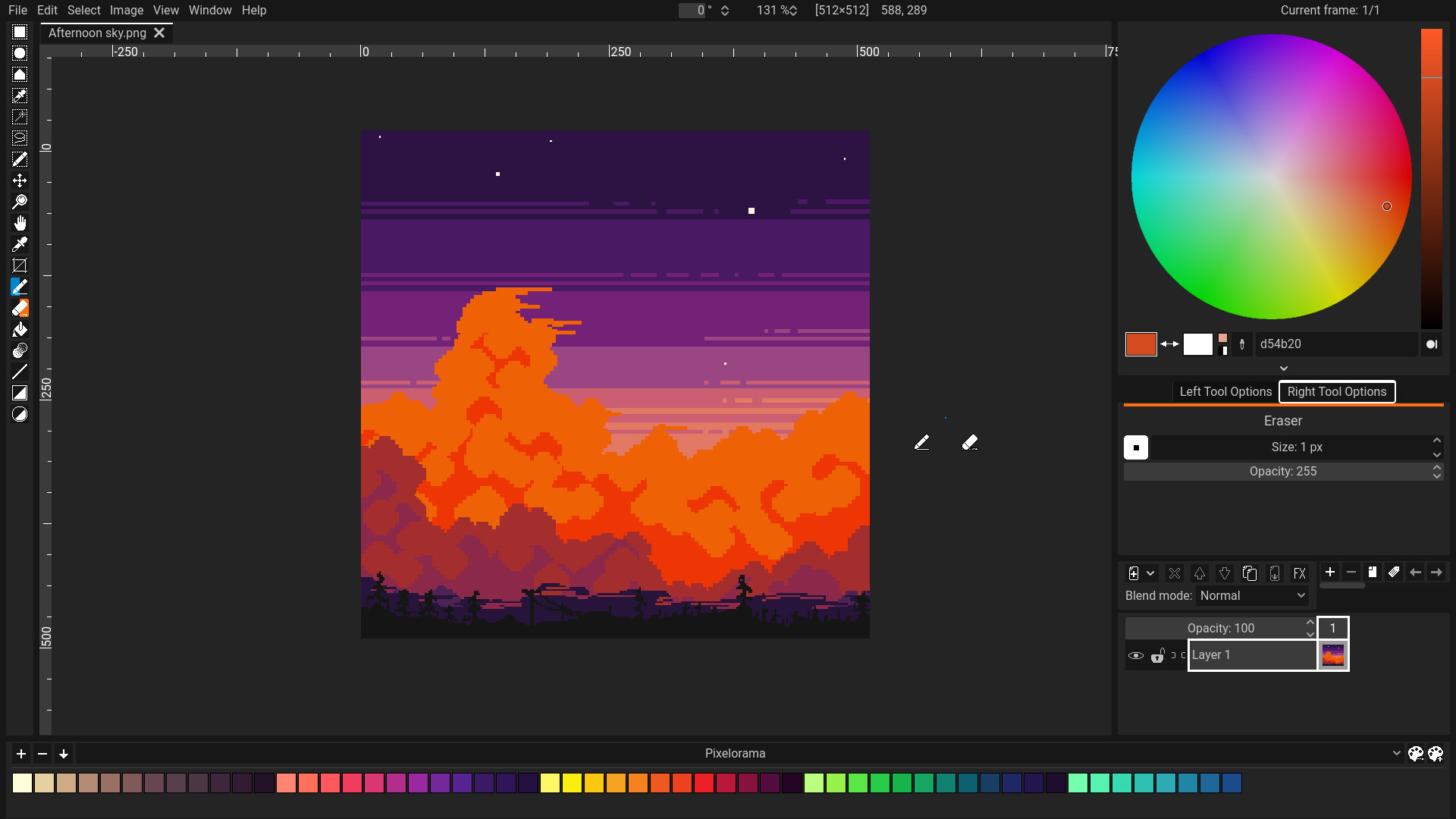
Discover Pixelorama, the open-source 2D sprite editor for Linux. Read our review of its powerful animation, layering, and pixel art design tools.
Picture this: you are working on an indie game project, and you need to quickly whip up a seamless tilemap or animate a character sprite without fighting bloated, general-purpose image editors. This is where Pixelorama 2D sprite editor steps in to streamline your creative pipeline on Linux. Developed by Orama Interactive, this specialized application is built from the ground up to cater specifically to the nuances of pixel art, making it a highly efficient workspace for digital artists and game developers alike.
Why Pixelorama 2D Sprite Editor Stands Out on Linux
Unlike massive graphic design suites that treat pixels as an afterthought, this software embraces the retro aesthetic and precise grid alignment required for authentic pixel art. The interface is clean and highly configurable, allowing you to focus entirely on your canvas. Because it is built as an open-source tool, it offers a level of flexibility and community-driven development that commercial alternatives often lack.
Key Features for Pixel Artists
- Comprehensive Animation Timeline: Easily build frame-by-frame animations with onion skinning, allowing you to see previous and upcoming frames as faint overlays.
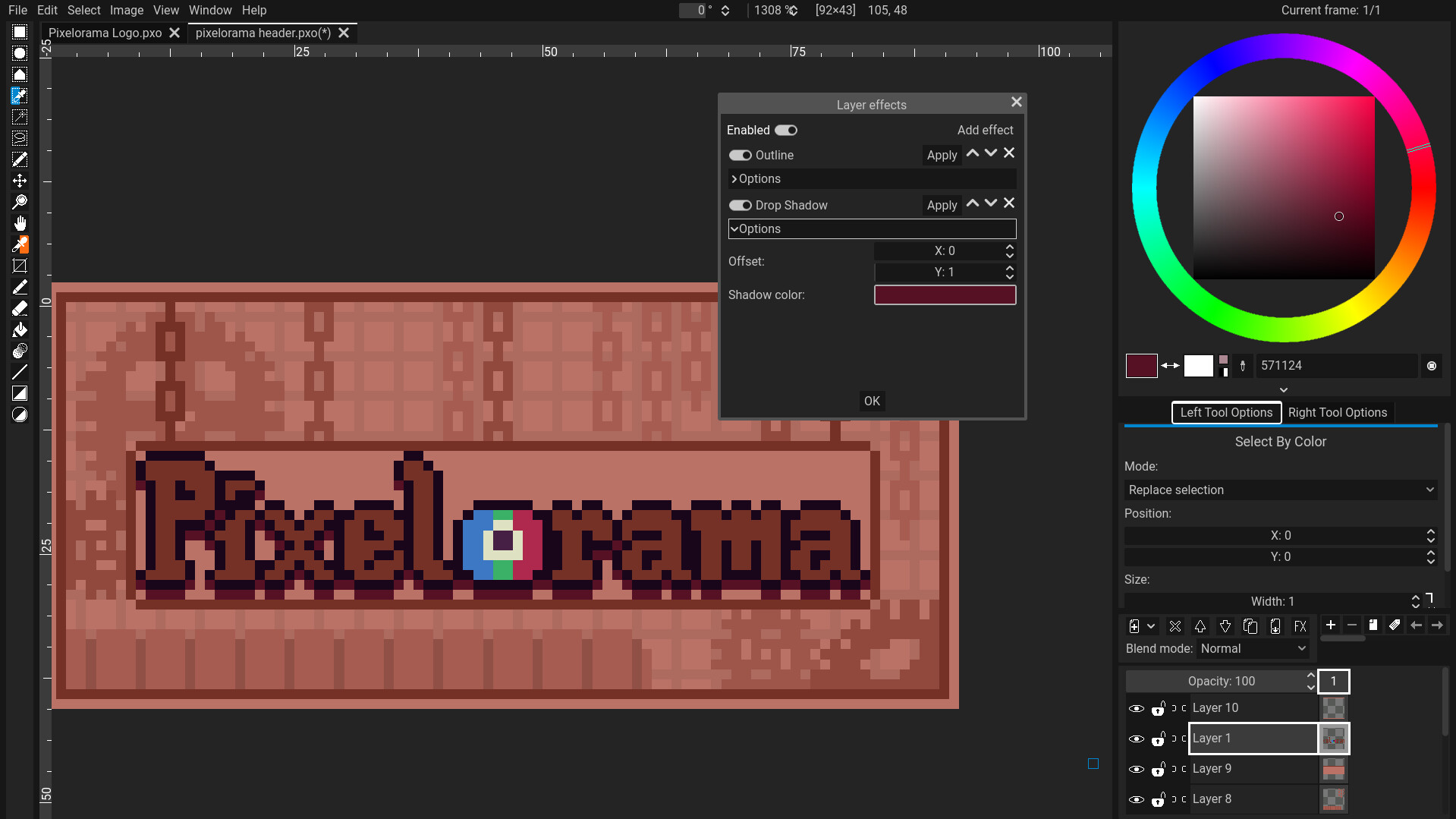
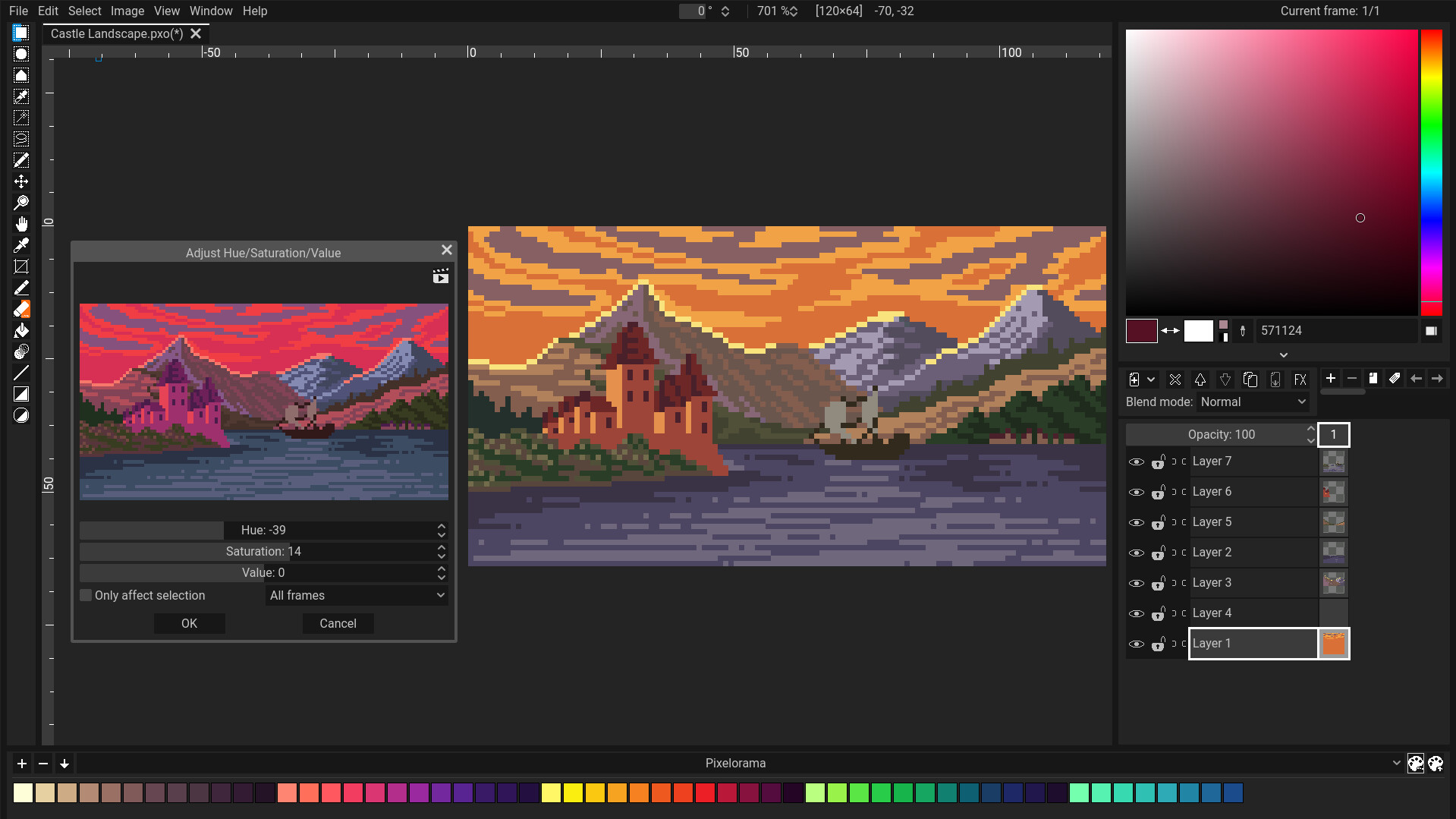
- Advanced Layer System: Organize your artwork with multiple layers, enabling you to separate backgrounds, characters, and foreground elements effortlessly.
- Customizable Brush Engine: Create and save your own brushes, or use built-in tools designed specifically for pixel-perfect precision.
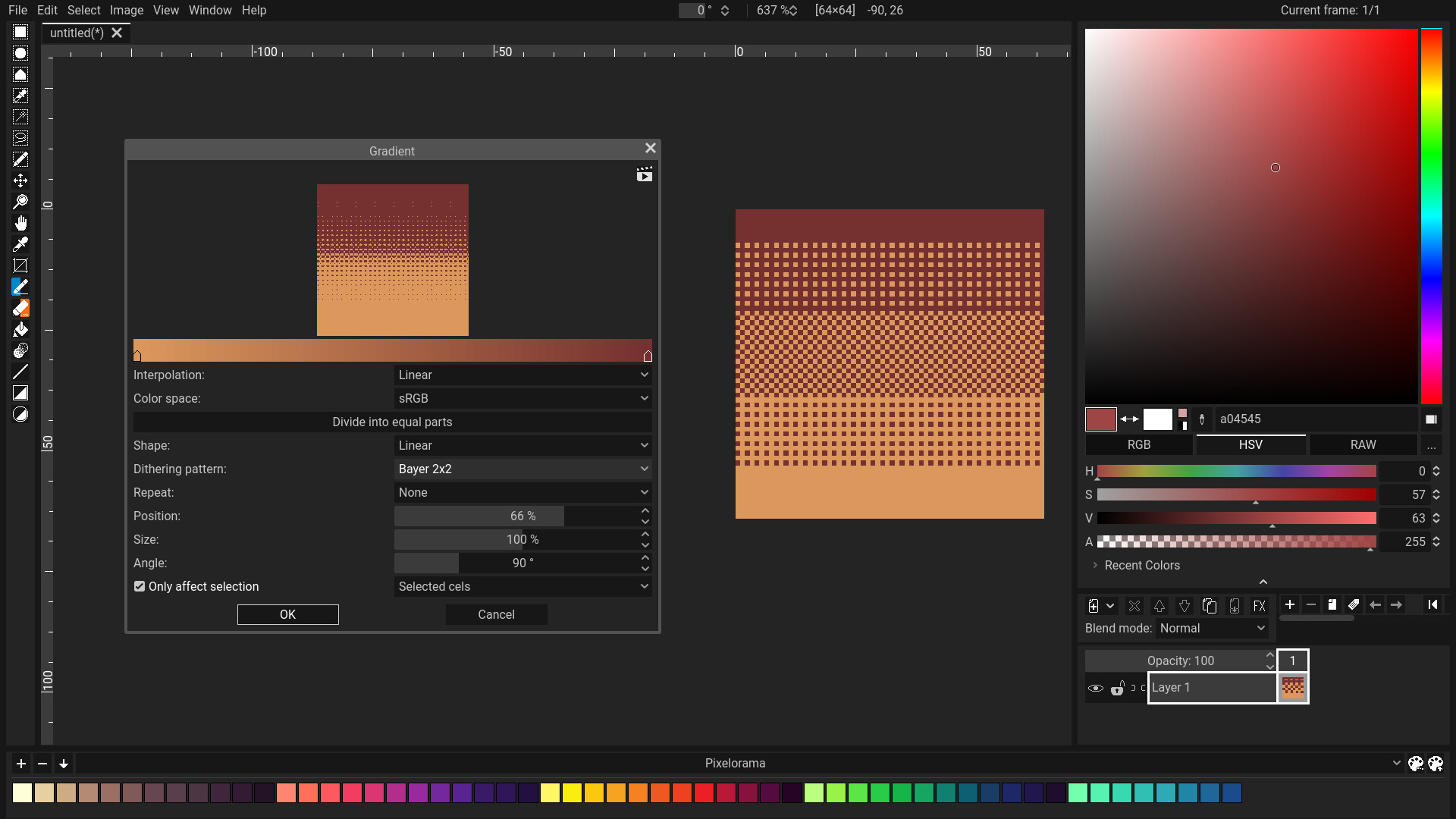
- Tile Mode: Design seamless textures and repeating tilemaps in real-time, visualizing how your patterns connect as you draw.
Who is the Pixelorama 2D Sprite Editor For?
Whether you are a seasoned game designer prototyping assets or a hobbyist exploring digital illustration, this program provides a welcoming yet powerful environment. Its accessibility ensures that beginners can start drawing immediately, while the depth of its animation and layering features satisfies the demands of professional workflows. For Linux users in the design category, it represents one of the most robust, native options available today.
If you are ready to elevate your digital art workflow, you can find more information and access the application directly on its official distribution page via the Flathub Store.